

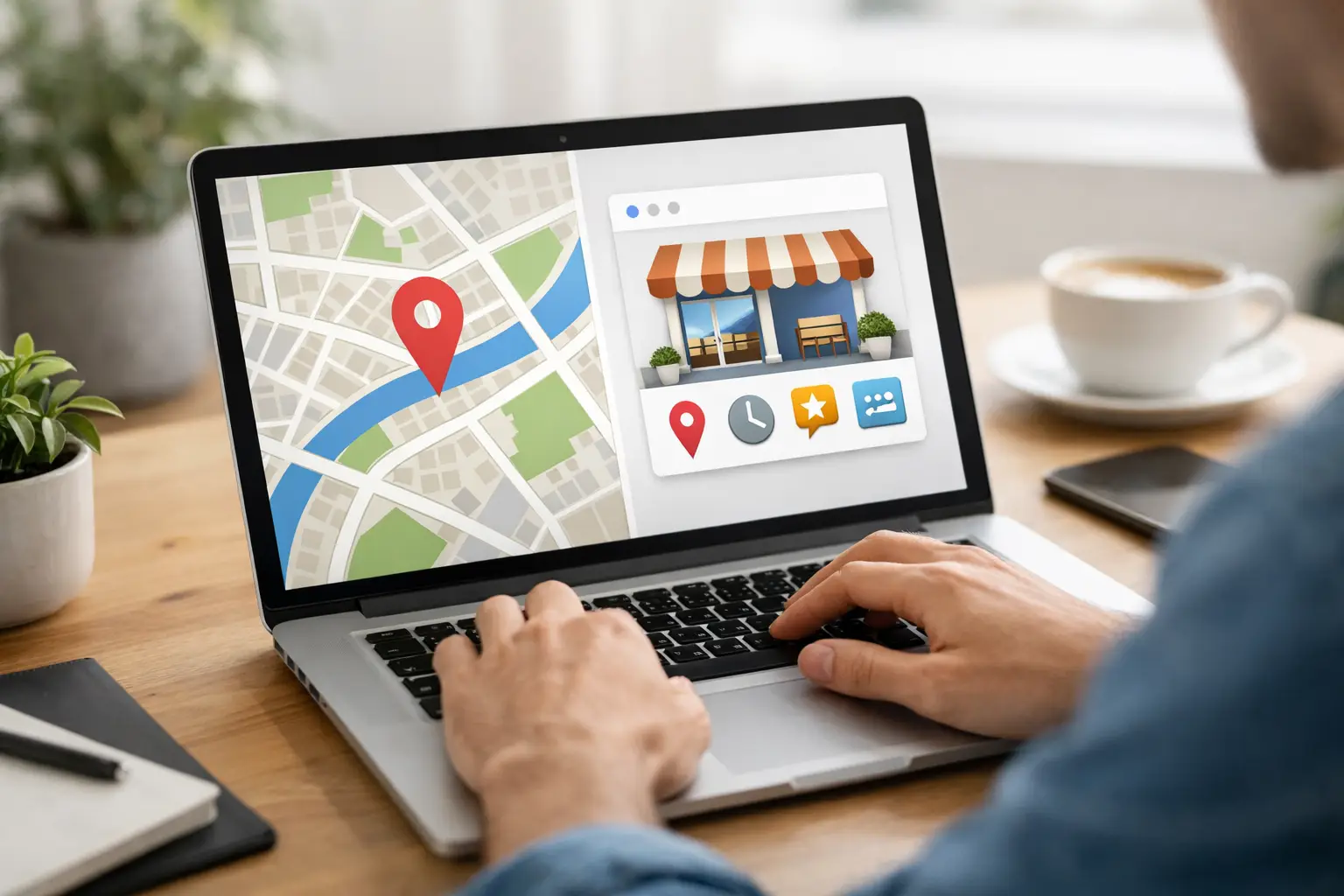
If your business has ever lost a lead because a customer could not find your hours, phone number, or location fast enough, this is the fix. Learning how to set up Google Business Profile is one of the simplest ways to improve local visibility, build trust quickly, and make it easier for people to choose you over a competitor.
For many small and midsize businesses, this profile becomes the first impression before a website visit, phone call, or storefront stop. It can also create problems if it is incomplete, inaccurate, or claimed by the wrong person. That is why setup matters. A rushed profile can hurt credibility just as easily as a polished one can strengthen it.
Why your Google Business Profile matters
When someone searches for your company name or looks for a service near them, Google often shows business listings before organic website results. That means your profile is not just a directory entry. It is part of your brand presence, your customer service experience, and your local marketing all at once.
A complete profile helps customers answer practical questions immediately. Are you open? Do you serve their area? Can they call, message, or visit you? Do your photos look current and professional? If those answers are clear, people are more likely to take the next step.
There is also a broader branding benefit. Businesses often spend heavily on websites, print materials, signage, and digital ads, then leave their local listing half finished. That creates a disconnect. A strong brand should feel consistent everywhere customers encounter it, including Google.
How to set up Google Business Profile the right way
Before you begin, gather your core business details in one place. You will want your exact business name, primary phone number, website, address or service area, hours, and a short business description. It also helps to have your logo and a few quality photos ready.
Start by signing into the Google account that should own the profile long term. This matters more than many businesses realize. If a former employee, outside contractor, or temporary admin creates the listing under a personal account, ownership can become messy later. Use a company-managed account whenever possible.
Next, search for your business on Google to see whether a profile already exists. In some cases, Google creates a basic listing from public data or user input. If it already exists, you may need to claim it rather than build a new one. Creating duplicates can split reviews and confuse customers.
If no profile exists, begin the setup by entering your business name and selecting the most accurate business category. Be careful here. Your category affects the kinds of searches you may appear in, so choose the primary category based on your main service, not every service you offer. You can add secondary categories later, but your primary one should reflect your core business.
Then choose whether customers visit your location, whether you travel to customers, or both. A retail store, office, restaurant, or public-facing facility typically uses a physical address. A service-based business that goes to clients may prefer to hide the street address and define a service area instead. There is no advantage in forcing a location model that does not match how you actually operate.
After that, enter your contact information carefully. Use the phone number customers should actually call, not a temporary tracking line unless your broader marketing setup is built to support that consistently. Add your website if you have one. If you do not, Google may offer a simple web presence option, but a dedicated site usually gives you more control over branding and conversion.
Verifying your business
Once the profile basics are in place, Google will ask you to verify the business. Verification methods vary. Some businesses can verify by phone, email, video, or Search Console, while others may need a postcard or live video process. Google decides what options are available.
This step can feel tedious, but it is essential. Verification confirms that your business is legitimate and that the person managing the profile is authorized to do so. If your verification is delayed, double-check that your business name, address, and contact details match your real-world presence. Inconsistencies can create friction.
If your business operates from a shared building, home office, or service area model, follow Google’s rules closely. Not every kind of business should display a public address. Accuracy matters more than trying to game visibility.
What to complete after setup
A verified profile is only the starting point. To get real value from it, fill out the details customers care about most.
Your business description should be clear, specific, and natural. Explain what you do, who you serve, and what makes your approach different without stuffing in keywords. A good description reads like a helpful introduction, not a sales pitch.
Hours should be updated and realistic, including holiday hours when possible. Nothing frustrates customers faster than arriving at a closed location because your listing was wrong.
Photos matter more than many organizations expect. Add a logo, a cover image, and real photos of your storefront, interior, team, products, vehicles, or completed work. Skip generic stock images when possible. People use photos to judge professionalism, legitimacy, and fit.
Services and products should also be added thoughtfully. This is especially helpful for businesses with multiple offerings because it helps customers understand your range without leaving Google. Keep the names plain and customer-friendly.
Messaging, booking, and call features can be helpful too, but only enable them if your team can respond reliably. A feature that goes unanswered can do more harm than good.
Common mistakes when setting up a profile
The most common issue is inconsistency. A business name on Google that does not match your signage, website, and other listings can create trust issues. So can different phone numbers, old addresses, or outdated hours.
Another frequent mistake is choosing categories that are too broad or unrelated. If you try to rank for everything, you usually weaken relevance. Be focused.
There is also a temptation to over-optimize. Stuffing city names or service terms into the business name, posting low-quality images, or ignoring profile updates after verification can all undercut results. Google rewards accurate, useful information more than shortcuts.
For multi-location organizations, the challenge is governance. Each listing should be managed centrally enough to maintain brand consistency, but locally enough to keep hours, photos, and operational details current. That balance often determines whether profiles become assets or headaches.
How to make your profile work harder
Once the setup is complete, treat the profile like an active business asset. Ask satisfied customers for reviews, and respond professionally to both positive and negative feedback. Reviews are not just about reputation. They also help future customers understand what working with you is really like.
Use posts when you have something relevant to share, such as a seasonal promotion, event, new service, or important update. You do not need to post constantly, but occasional updates signal that the business is active.
Monitor questions and answers as well. If customers are asking the same thing repeatedly, that is a sign your profile or website may need clearer information.
It also helps to align your Google profile with your broader brand system. Your visuals, messaging, service descriptions, and customer experience should feel consistent across Google, your website, social channels, and printed materials. That is often where businesses see the biggest payoff. Setup is easy enough. Strategic consistency is where stronger visibility turns into better conversion.
For organizations that are already juggling operations, staffing, and growth, this is often one of those tasks that gets delayed because it seems simple. In practice, it is simple, but it is not minor. A well-built profile supports search visibility, credibility, and communication all at once. That is why teams like OneStop Northwest often see it as part of a larger brand management foundation rather than a standalone listing.
When it makes sense to get help
Some businesses can set up their profile in under an hour. Others run into verification issues, duplicate listings, ownership conflicts, or category confusion that takes much longer to resolve. If your company has multiple locations, serves regulated industries, or needs tight brand control, expert support can save time and prevent avoidable mistakes.
The key is not just getting listed. It is getting listed correctly, with the right structure and the right message for the customers you want to reach.
A Google Business Profile will not solve every visibility problem, but it is one of the few marketing assets that can improve discovery, trust, and action in the same moment. Set it up with care, keep it current, and let it do the quiet work of making your business easier to find and easier to choose.