

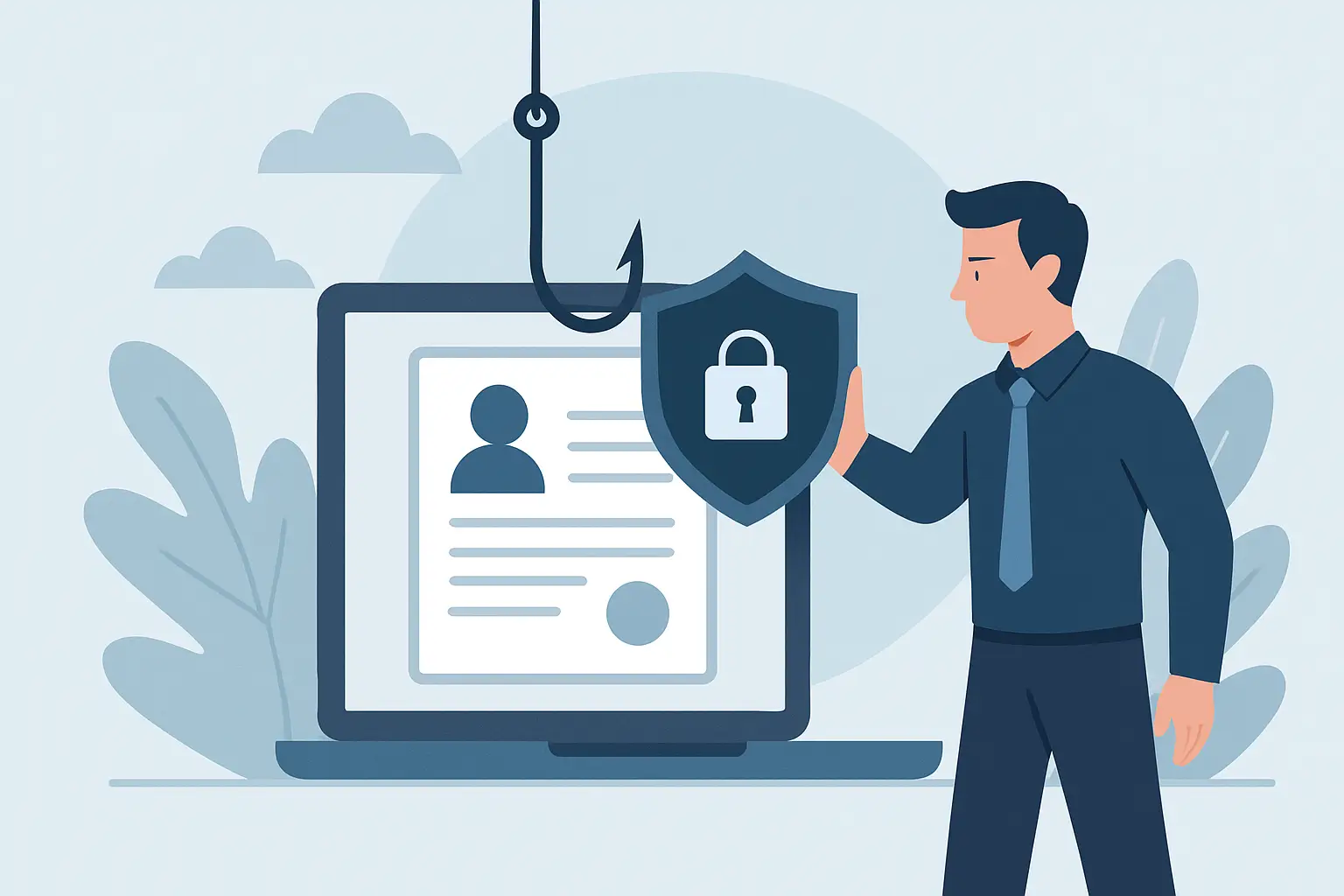
The email looks normal. It uses your vendor’s logo, the tone feels familiar, and it lands at the exact wrong time – right before payroll runs, a wire goes out, or a project deadline hits. One quick click, one “sure, I’ll review,” and suddenly you’re dealing with compromised accounts, changed bank details, or an inbox sending messages you didn’t write.
Phishing succeeds for a simple reason: it targets people, not systems. And for most organizations, the real challenge isn’t knowing that phishing exists. It’s creating everyday habits and guardrails that make the scam harder to pull off when someone is tired, rushed, or switching between ten tasks.
What phishing really looks like now
Phishing used to be easy to spot – odd grammar, generic greetings, and links that screamed “fake.” Today, attackers borrow real branding, scrape social media for context, and use convincing language that sounds like your office. Some even compromise a legitimate vendor’s mailbox first, then “reply all” to an existing invoice thread.
For small and mid-sized organizations, the most damaging versions are usually business email compromise (BEC) attempts: fake requests to buy gift cards, change direct deposit details, update vendor payment info, or approve an urgent wire. Government teams see variations of the same playbook, often disguised as document-sharing links, HR notifications, or “security” alerts.
The goal is almost always one of two things: get credentials (so they can log in as you) or get money (so they don’t have to).
How to prevent phishing attacks: start with the decision points
If you want to know how to prevent phishing attacks in a way that holds up in the real world, focus on the moments where a person has to decide: “Do I click? Do I reply? Do I send money? Do I approve this change?” Your best defenses reduce the number of risky decisions employees have to make, and make the remaining decisions easier.
Treat email links as optional, not automatic
A healthy rule is: never use the link in the email when the email asks you to log in or confirm a change. Instead, go to the site or service the way you normally would – using a bookmark, a trusted portal, or typing the address yourself. This single habit stops a huge percentage of credential-theft attempts.
It’s not always convenient, and that’s the trade-off. But if the email involves payroll, banking, HR systems, Microsoft 365, Google Workspace, or a vendor payment portal, convenience is exactly what the attacker is counting on.
Build a “pause and verify” culture for money and data
Phishing gets expensive when it intersects with payment workflows and sensitive info. The fix is less about technology and more about a consistent verification step that no one feels awkward using.
If someone requests a change to bank details, direct deposit, W-2 information, password resets, or invoice routing, verify using a second channel. That means calling a known number from your contact list – not the number inside the email. For internal requests, it can be as simple as a quick Teams message or phone call, as long as it is not a reply to the original email thread.
The key is making this normal. When leadership models it – even for small amounts – it becomes a team standard, not a personal quirk.
Don’t rely on “spotting red flags” alone
Yes, teach people to look for mismatched domains, odd urgency, unexpected attachments, and subtle misspellings. But don’t make your entire security plan depend on your staff having perfect judgment every time.
People are busy. Attackers know that. So the better question is: what controls back up your people when they’re moving fast?
The controls that quietly block most phishing
Use multi-factor authentication everywhere it matters
If you do one technical improvement this quarter, make it multi-factor authentication (MFA) across email, file storage, remote access, and any admin dashboards. Passwords get stolen. MFA is what keeps a stolen password from becoming an immediate breach.
App-based authenticators are typically stronger than text messages, but “best” depends on your environment. If your team has inconsistent cell service, shared devices, or accessibility needs, the right MFA choice is the one your users will actually complete every time.
Reduce inbox risk with smarter email settings
Most organizations are leaving protection on the table in their email platform settings. Even without naming every vendor feature, the goals are consistent:
Block obvious spoofing, flag external senders, quarantine suspicious attachments, and disable auto-forwarding rules to external addresses. Auto-forwarding is a favorite tool once attackers get access – it lets them monitor conversations quietly while they plan a payment scam.
If you send marketing emails or use third-party services, you’ll want to tune these settings so legitimate mail still lands. That tuning is worth the effort because it reduces the number of dangerous messages that ever reach a human.
Lock down who can approve what
Phishing often succeeds because one person can start and finish a sensitive action. Split the workflow.
Two-person approval for wires and ACH changes is a strong default. For HR and payroll changes, limit who can view and edit banking information, and require verification for any change initiated by email. For IT, make sure only a small set of accounts can approve MFA resets, mailbox delegation, or password changes.
This isn’t about mistrust. It’s about designing processes that assume someone will eventually get a convincing email.
Keep devices and browsers updated
Phishing isn’t always just “click a link.” Some attacks rely on outdated browsers, compromised extensions, or unpatched software that makes a malicious download more effective.
Automatic updates are boring – and that’s good. The more you can move patching from a manual task to an automatic baseline, the fewer gaps you leave open.
Training that actually sticks (and doesn’t annoy people)
Most teams don’t need another generic security lecture. They need short, specific scenarios that match what they see.
A practical approach is a monthly “one example, one action” format: show a real-ish phishing email that targets your industry (invoice, HR document, shared file, urgent executive request) and teach the single action that prevents it. For example: “If it asks you to log in, do not use the link. Go to the portal directly.” Or: “If it changes payment details, verify by phone.”
The win isn’t perfect detection. It’s consistent behavior under pressure.
If you run phishing simulations, keep them respectful. The point is to measure risk and coach people, not embarrass them. When employees feel safe reporting mistakes quickly, you shorten the time between “click” and “containment,” which can be the difference between a scare and a serious incident.
What to do when someone clicks anyway
You can do everything right and still have a bad day. Having a simple response plan prevents panic and reduces damage.
First, make reporting easy. People should know exactly where to forward suspicious messages and who to call if they entered credentials.
Second, move fast on containment: reset passwords, revoke active sessions, and check mailbox rules for unexpected forwarding or deleted messages. If money was involved, contact your bank immediately – timelines matter.
Third, treat it as a process lesson, not a blame session. The email got through, the request looked plausible, or the workflow lacked a checkpoint. Fix the system so the same approach won’t work twice.
A realistic baseline for SMBs and public sector teams
If you’re juggling branding, operations, IT, and day-to-day service delivery, your anti-phishing plan has to be manageable. A strong baseline typically includes MFA on all major accounts, tightened email security settings, two-step verification for any payment or banking change, and short, consistent training that matches your actual workflows.
This is also where alignment matters. Your marketing emails should be configured so they don’t look like spoofed messages to your own staff. Your vendor onboarding process should require verified contact info. Your internal communications should set expectations like “we will never ask for passwords over email.” When your organization communicates consistently, phishing stands out more.
If you want a partner who can help you connect the dots between the way your organization communicates and the way attackers exploit that communication, OneStop Northwest LLC often works with teams at that intersection of technology, process, and day-to-day operations.
The small habit that changes everything
Your best defense against phishing is not a single tool. It’s a shared reflex: slow down for ten seconds when an email asks for access, money, or sensitive changes. That tiny pause gives your policies and protections time to do their job – and it gives your team permission to choose certainty over speed.